



Runway Model Illustration
From sketch to final render • 2 weeks
Learn to design digital fashion and turn your passion into a profession.

See how our students transform basic drawings into professional fashion illustrations using Procreate
From sketch to final render • 2 weeks

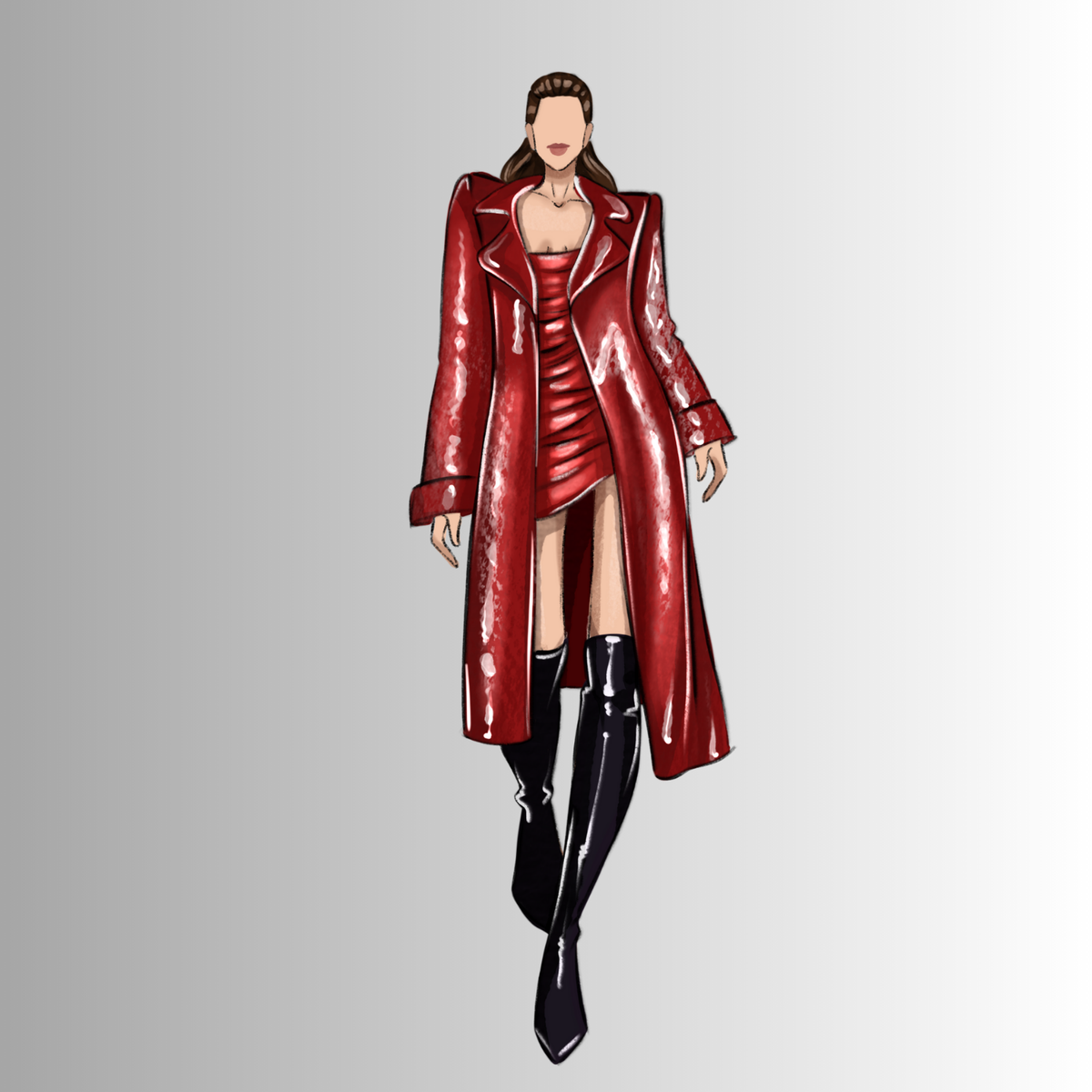
Module 5 project • Silk texture mastery
You're not alone. These are the four obstacles most designers face before discovering a workflow that finally works.
Traditional sketching eats your time. Every revision means starting over instead of moving forward to the next concept.
Markers, paper, fashion templates — the recurring spend adds up fast. Going digital means infinite iterations with zero waste.
Your sketches don't match the polished, editorial-grade illustrations professionals deliver — making it harder to land work or premium rates.
Procreate's default library wasn't built for fashion. You spend more time searching for the right brush than actually drawing.
Traditional sketching eats your time. Every revision means starting over instead of moving forward to the next concept.
Markers, paper, fashion templates — the recurring spend adds up fast. Going digital means infinite iterations with zero waste.
Your sketches don't match the polished, editorial-grade illustrations professionals deliver — making it harder to land work or premium rates.
Procreate's default library wasn't built for fashion. You spend more time searching for the right brush than actually drawing.
Sound familiar? There's a faster, more confident way to design.


Lessons: 25h fashion training
Workflow: Step-by-step Procreate
Tools: Brushes, palettes & templates
Flats: Portfolio-ready designs
Rendering: Shading & textures
Figures: Drawing & proportions
Presentation: Pro workflow
Mockups: Portfolio templates
Bonuses: Procreate kits included
Certificate: Completion included
Beginner: Easy to follow
Access: Lifetime, no subscription


I started the Masterclass not knowing how to hold the Apple Pencil properly. Six weeks in I have three full looks ready for my school portfolio. The instructor explains the why behind every brushstroke, not just the how — that is the difference. The included kit alone is worth more than the price of the course.
I was an architect for nine years. The figure drawing and proportions modules let me transfer my technical skills into fashion illustration in a way I did not think was possible. Six months after finishing, I am freelancing for two small labels in Berlin.
Tried two other fashion illustration courses on other platforms before this one. Both surface-level. This one actually teaches anatomy proportions, fabric draping, light direction. My Instagram engagement tripled in two months posting the work I made during the course.
Halfway through the course I posted a work-in-progress from the textile rendering module and a boutique in Palermo reached out asking if I take illustration clients. Signed a small contract two weeks later. The course paid for itself before I finished it.
I design custom bridalwear and the lace, tulle, and embroidery rendering lessons were exactly what I needed. Knocking off a star because I wish there was a deeper module on heavily embellished garments. Everything else is excellent and the instructor actually replies when I ask questions in the community.
Worked in womenswear since 2010 and I was still drawing flats on tracing paper. The technical illustration module alone collapsed my workflow from three days down to four hours per collection. The Masterclass is rigorous in a way most online courses are not.
Used the portfolio piece I built during the final module to apply to an illustration agency. They signed me. The structure of the curriculum is built around producing real portfolio work, not exercises that go nowhere. That is rare in online courses.
Took the Masterclass to see if I could recommend it to my second-year students. I now recommend it to every one of them. The pacing is right, the assignments build on each other, and the included Kit is a real bonus, not a bait.
I have ADHD and never finish online courses. The lessons here are short enough that I can do one a day during lunch. Six months in, I finished the whole thing and now have a side business doing wedding invitations and fashion illustrations on the weekend.
We were paying outside agencies for our boutique campaign illustrations. After the Masterclass, my creative director and I produce everything in-house. The cost of the course is roughly two illustrations from the previous agency. Smartest software investment of the year.
From the first sketch to a portfolio-ready collection every module, every brush, every template, ready to use from day one.
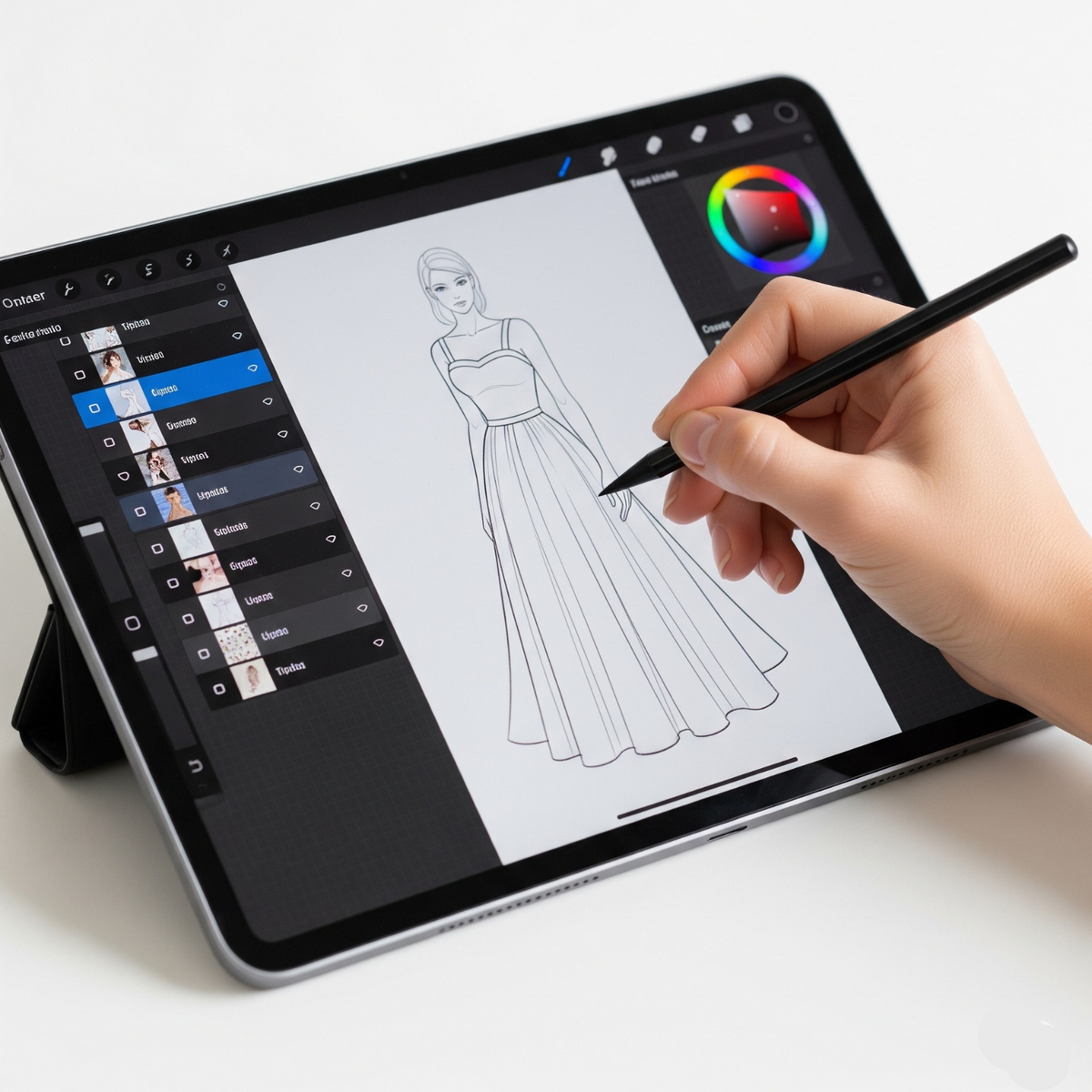
Get comfortable with the Procreate interface and tools before diving into fashion illustration.

Learn how to use Procreate’s brush tools and 3D model integration for fashion design.
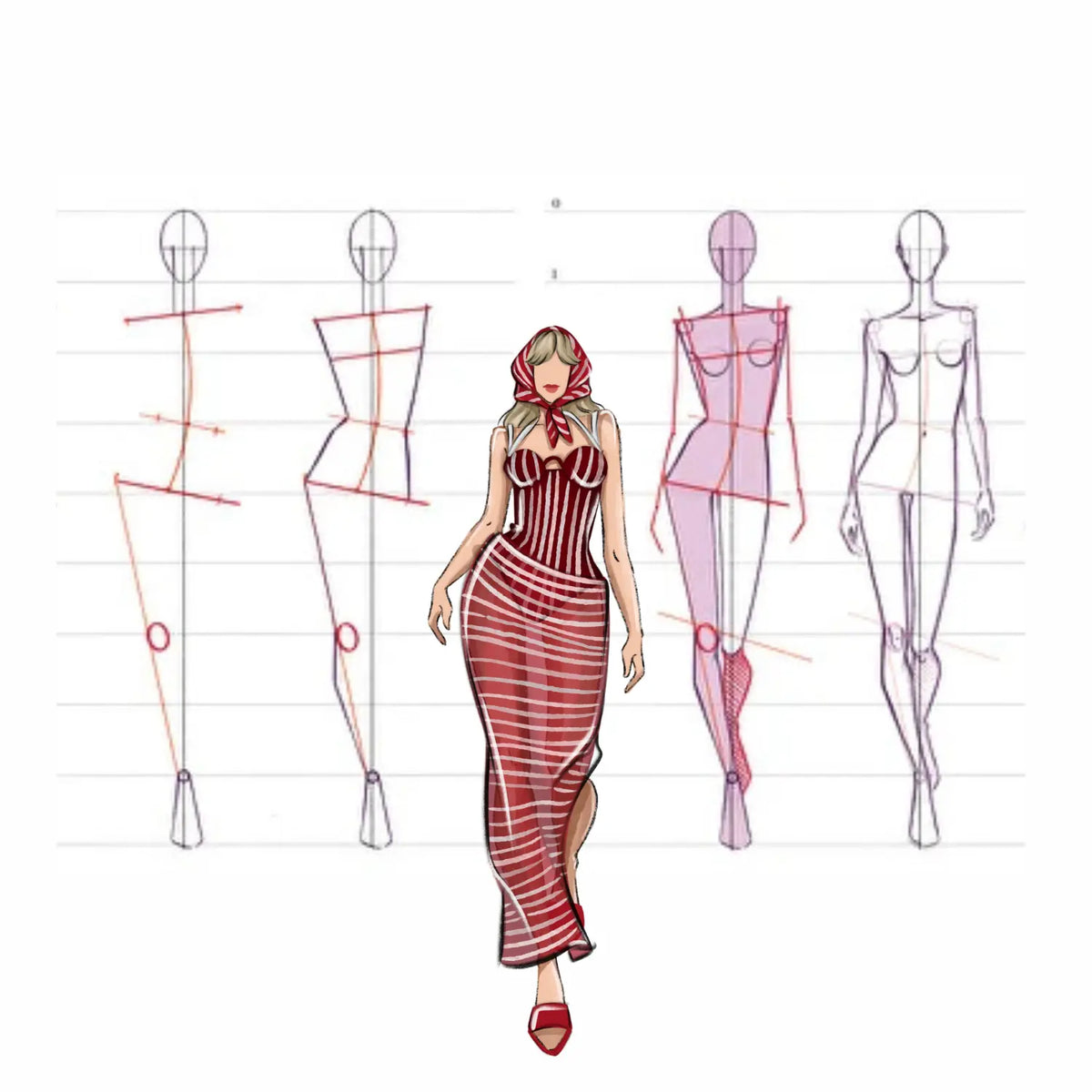
Build skills in sketching fashion figures and designing clothing from scratch.

Master various professional hairstyle techniques to complete your fashion illustrations with realistic and stunning hair designs.
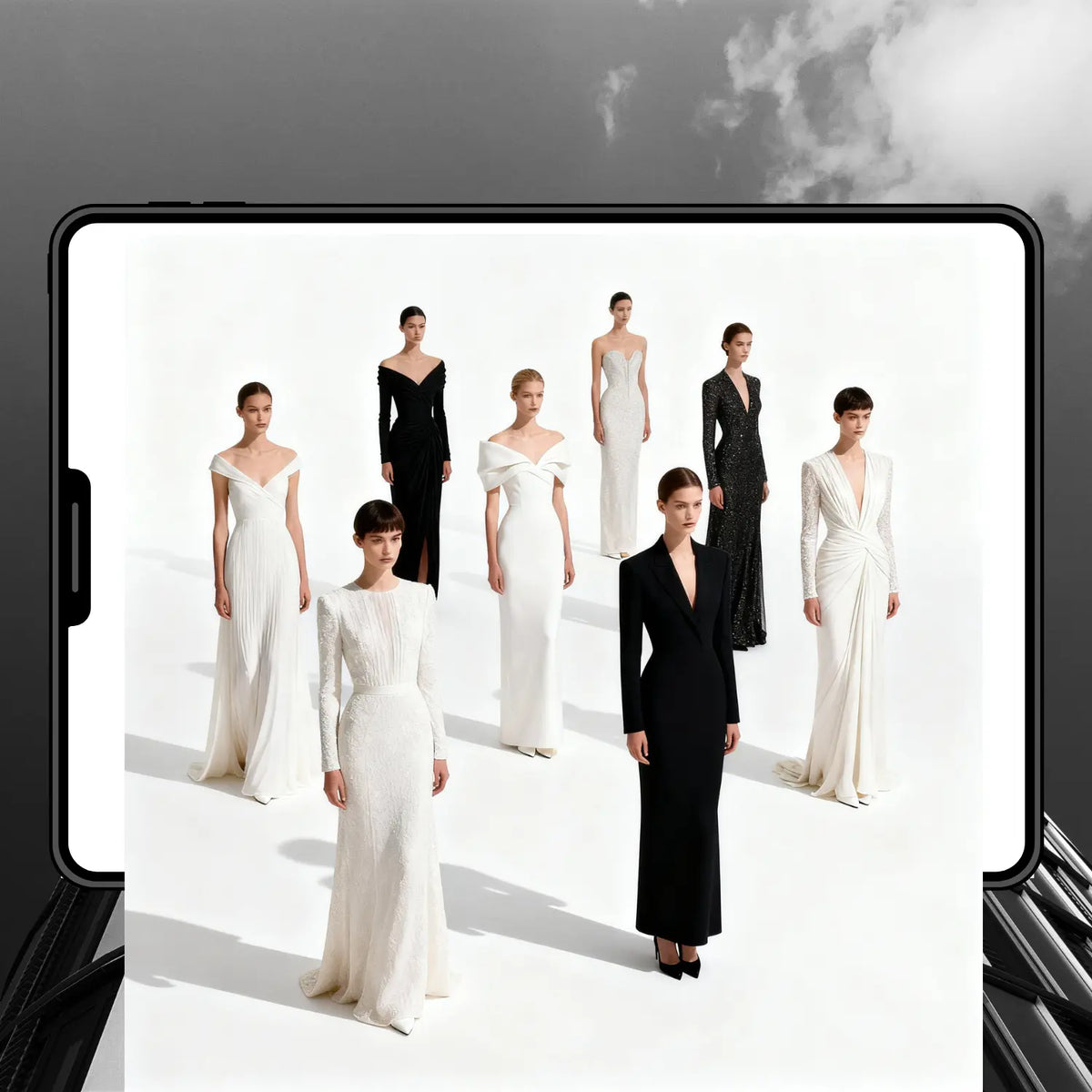
Create stunning runway-ready fashion illustrations with professional techniques. Learn to draw complete evening and fashion dresses for the runway.
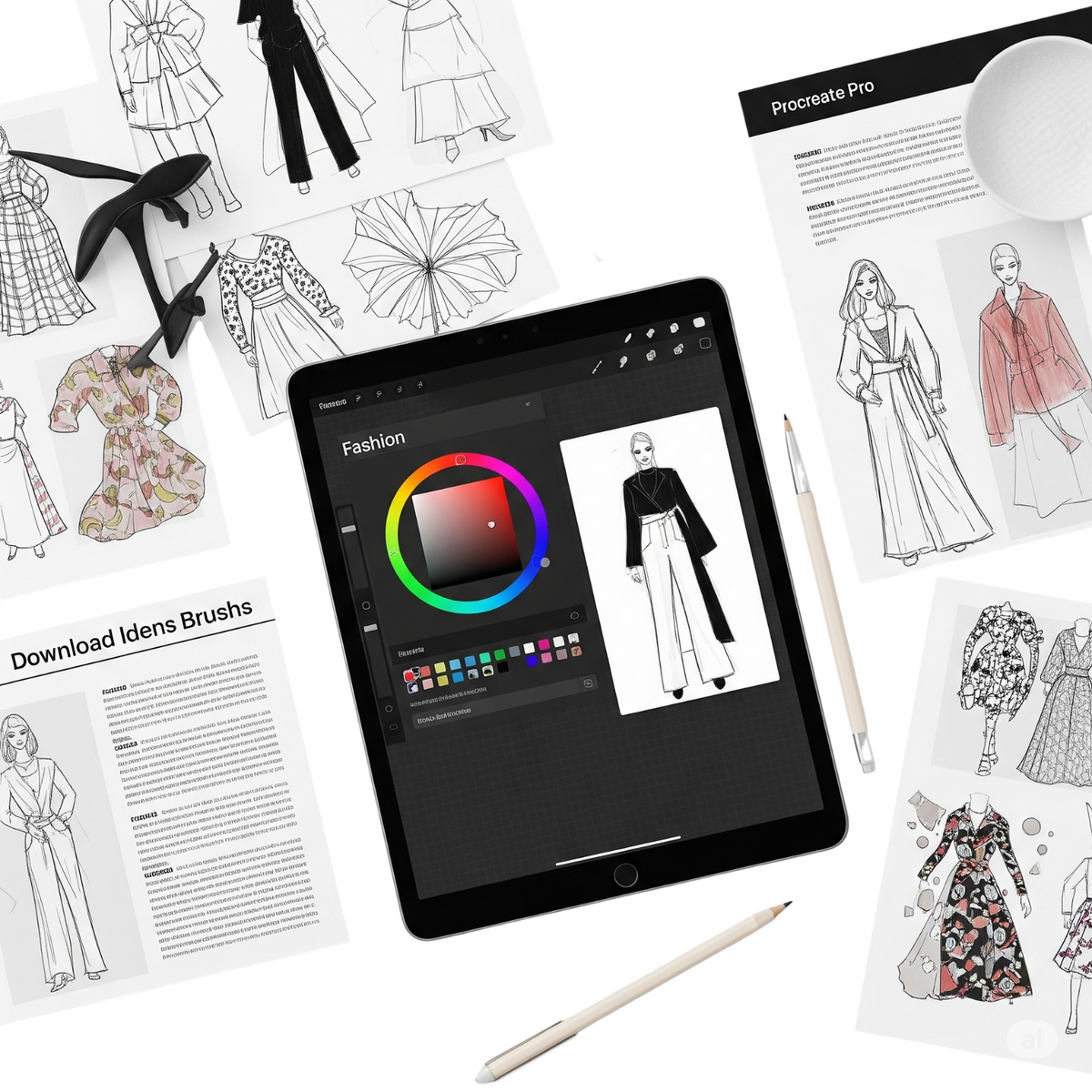
Learn how to present your work professionally using mockups and grow your fashion art presence on Instagram.
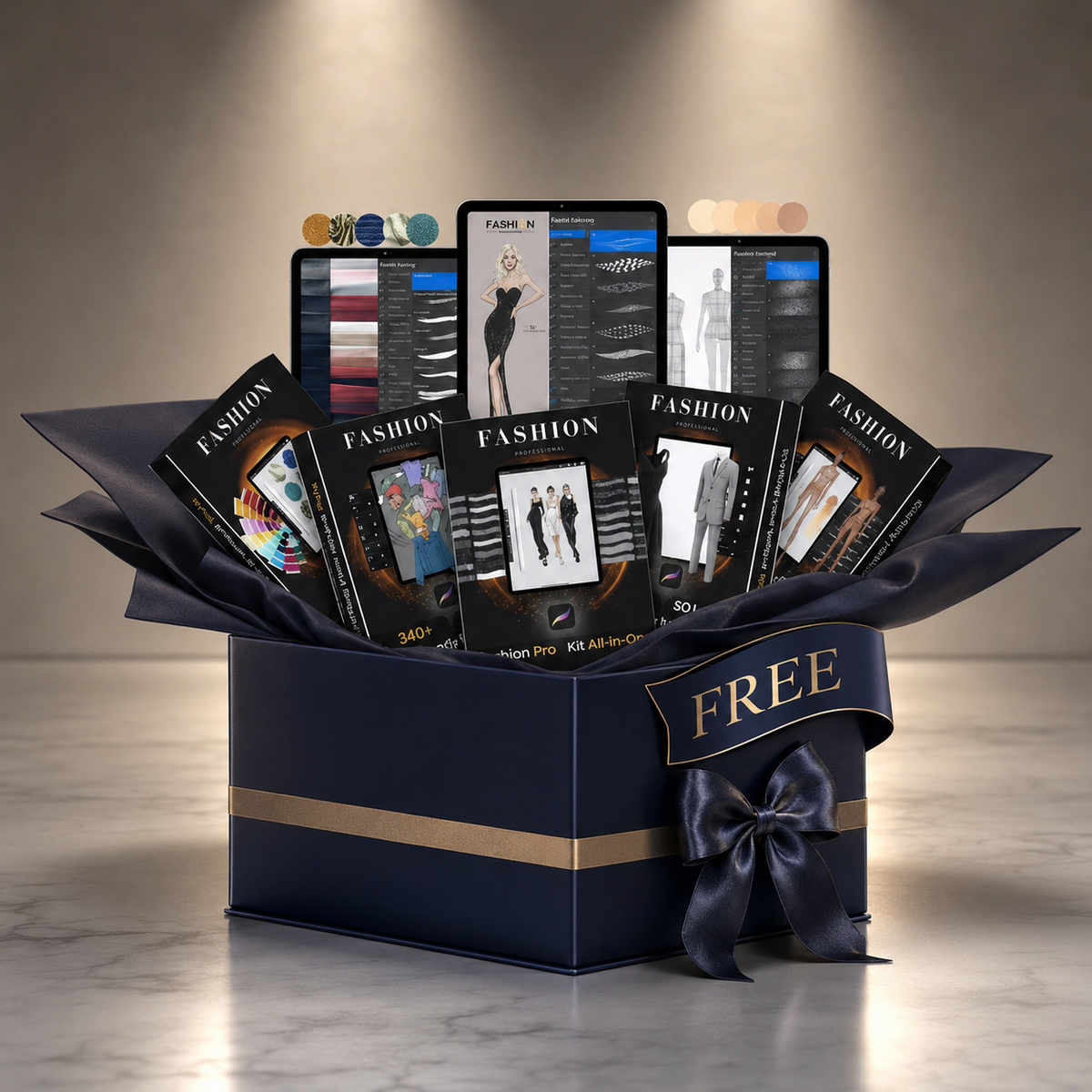
Elevate your fashion illustration journey! Enroll in the Fashion Procreate Masterclass today and gain instant free access to the complete PRO FASHION KIT—a premium digital toolkit trusted by 1,400+ creators worldwide. This exclusive bonus is crafted to help you design like a pro, save hours of work, and impress clients and followers with stunning, portfolio-ready results.
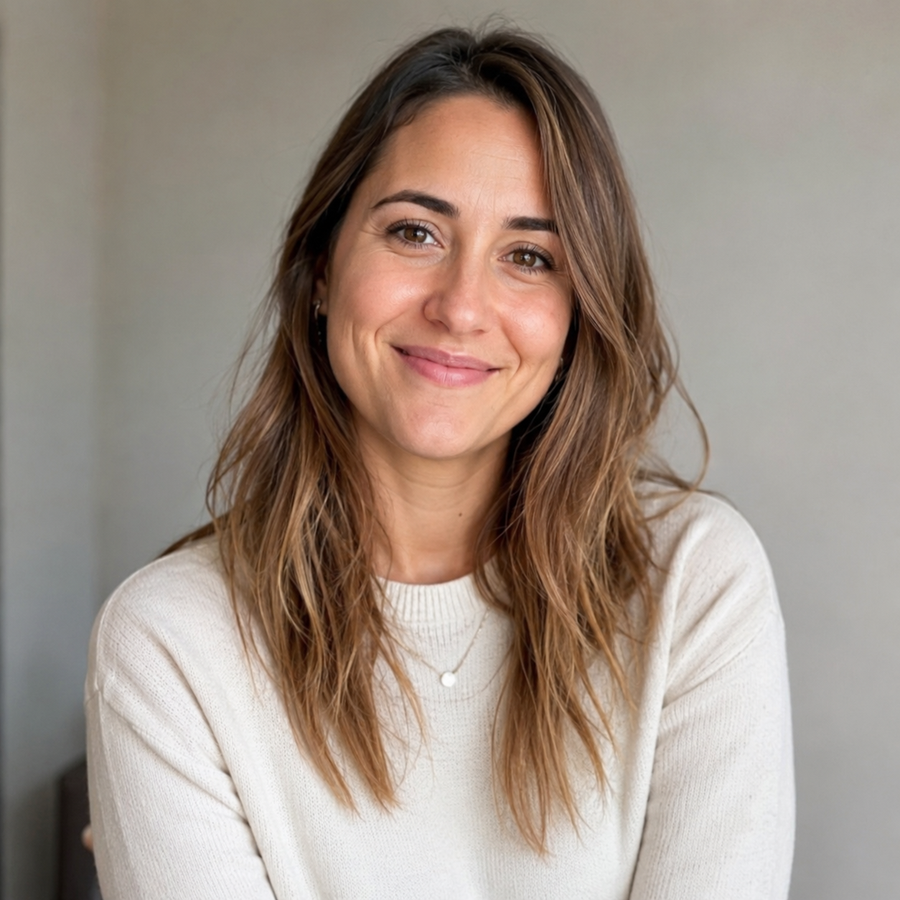
Fashion Illustrator · Procreate specialist
Jelena combines over a decade of fashion illustration practice with a deep technical fluency in Procreate. Her work has been used by independent designers and small studios for portfolio building, lookbook art, and editorial illustration.
The Masterclass distills the workflow she uses daily proportions, fabric texture, garment 3D models, and finishing into a structured curriculum any designer can follow at their own pace.
Common questions about the Masterclass — how it works, what you get, and how long you keep access.
Yes. The Masterclass starts from foundational skills — figure proportions, basic Procreate tools, and the PRO Fashion Kit overview — and progresses to advanced techniques like fabric rendering and 3D garment modeling. If you've never opened Procreate before, you'll be able to follow along from the first lesson.
The Masterclass is filmed in Procreate on iPad, but the techniques and the included PRO Fashion Kit also work in Photoshop, Infinite Painter, GIMP, and Clip Studio Paint. The video lessons themselves can be watched on any device with a browser — phone, tablet, laptop, or desktop.
The full curriculum is roughly 25 hours of video lessons divided into modules. Most students complete it over four to eight weeks at a comfortable pace, but since access is lifetime there's no deadline — you can move faster, slower, or revisit specific lessons whenever you need.
The Masterclass bundle includes the 25 hours of video lessons, the full PRO Fashion Kit (brushes, palettes, templates, stencils, and 3D garment models), the Exclusive Bonus Pack, a Certificate of Completion, and lifetime access to all current and future lesson updates.
Lifetime access means one-time payment, no subscription, no renewal. You'll keep access to the lessons, the kit, and any future content additions to the Masterclass for as long as the platform exists.
Yes. Once you've completed the Masterclass you can download a Certificate of Completion as a PDF. It includes your name, the course title, and completion date — suitable to add to a portfolio, LinkedIn, or freelance profile.
Right after checkout you'll receive an email with your login credentials and a direct link to the course dashboard. You can also access the dashboard from your account on the site at any time. If the email doesn't arrive within a few minutes, check spam and then contact support.
Yes. The course dashboard works on iPad, iPhone, Android, and any desktop browser. Most students watch lessons on a second screen (laptop or phone) while drawing on iPad in Procreate alongside the video.
The PRO Fashion Kit is the tools-only package — brushes, palettes, stencils, garment models, and templates. The Masterclass is the Kit plus 25 hours of structured video lessons, the bonus pack, and a certificate. If you already know fashion illustration well and just need tools, the Kit is enough. If you want a guided learning path, the Masterclass is the full package.
The video lessons are in English with clear, paced narration suited to non-native speakers. Closed-caption subtitles are available on every lesson. The handbooks and written materials are in English.
Hear from designers using the kit — or jump straight into what's inside.